Save time when filtering data by pasting multiple values at once. Copy a list from a spreadsheet or text file and paste it directly into any filter field. The platform automatically splits the values so you don’t have to enter them one by one.
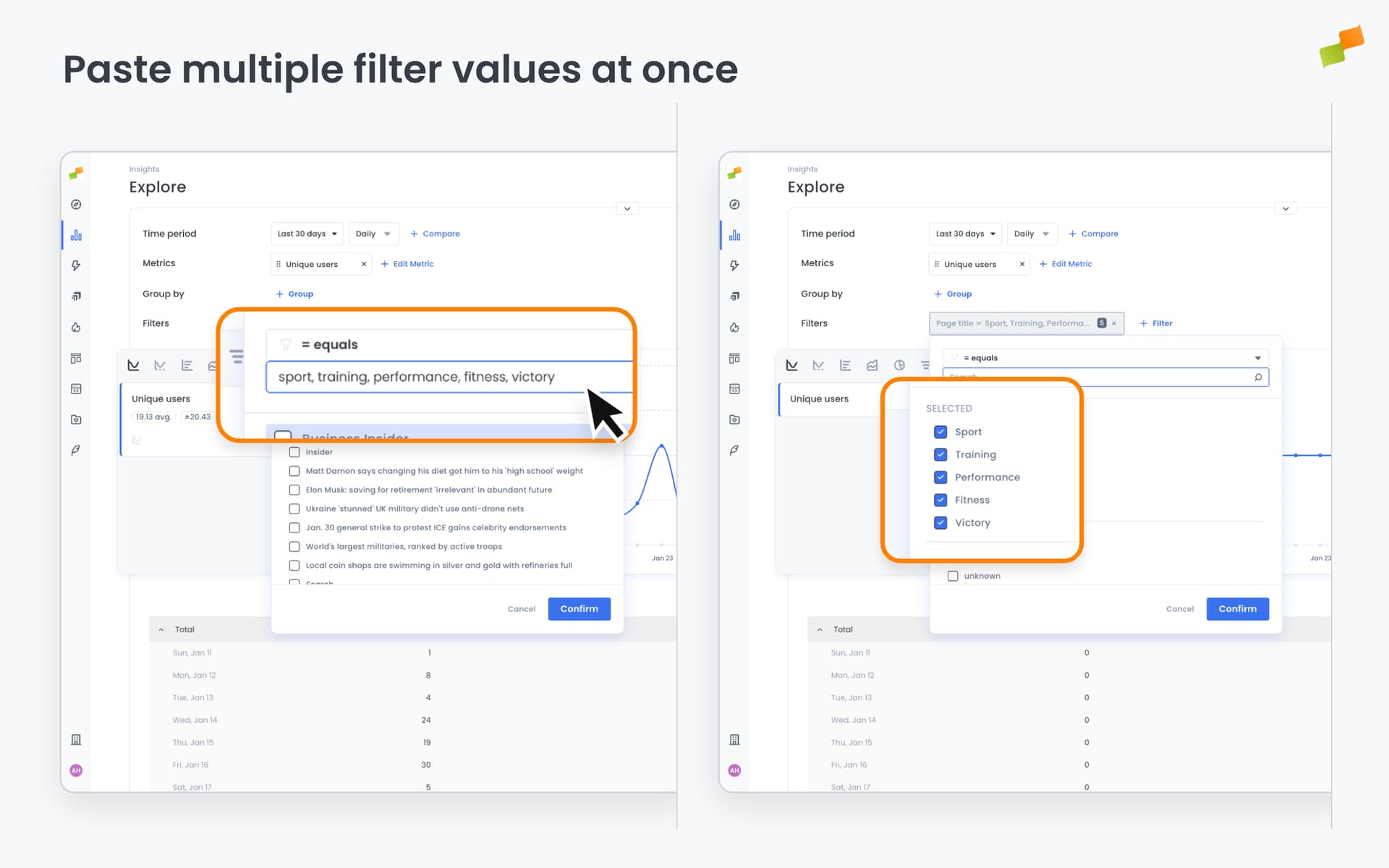
Working with filters just got faster. You can now paste multiple values into any filter field in one go, and the platform will automatically split them into individual filter criteria.
Copy a list of URLs, article titles, or any other values from a spreadsheet or text file and paste them directly into a filter input. Whether your data is separated by lines or commas, Marfeel recognizes the format and creates separate filter values for each item.
This enhancement removes the tedium of entering filter values one by one, particularly useful when analyzing specific content sets or building complex reports with multiple criteria. Your existing filter workflows continue to work exactly as before, with this capability available whenever you need it.